The basic rules
Switch off and unplug anything before cleaning it, and let screens cool. Never spray liquid directly onto a screen or device – spray the cloth instead, and use far less than you think. Liquid that runs into the edge of a TV screen, a keyboard or a phone's ports is what causes damage.
Use soft, clean, lint-free microfibre cloths. Kitchen paper and tissues can leave fibres and scratch anti-glare coatings. Check the manufacturer's cleaning guidance for your device – many publish specific advice, especially about disinfectants.
TVs and computer monitors
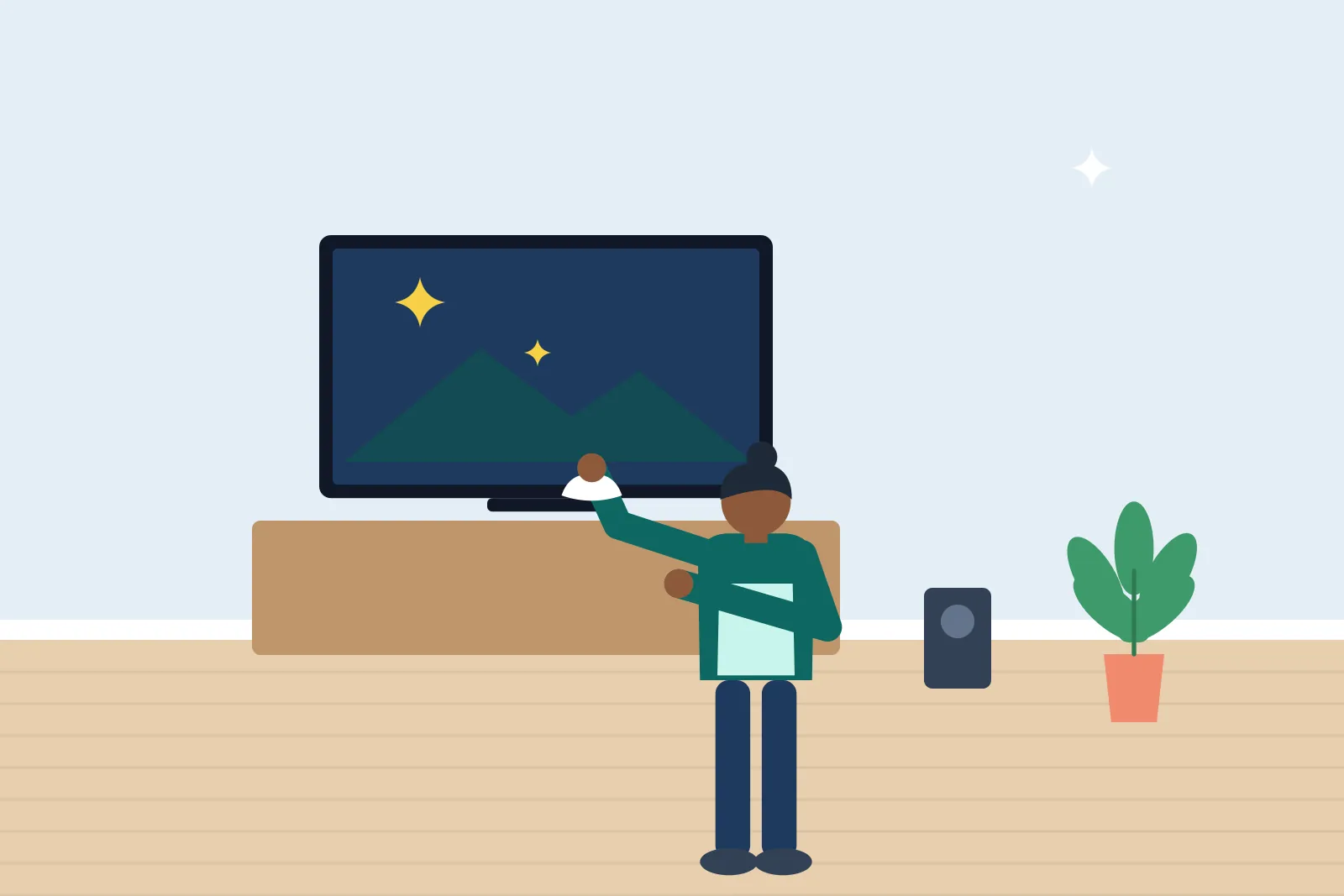
Start by dusting the screen with a dry microfibre cloth, using light, sweeping strokes. Pressing hard can damage the pixels on LCD and OLED screens. For fingerprints and smudges, dampen a corner of the cloth with distilled or filtered water (tap water can leave mineral spots in hard-water areas), wipe gently, then buff dry with a dry part of the cloth.
If marks remain, use a screen cleaner made for TVs and monitors, sprayed onto the cloth. Avoid window cleaner, ammonia, alcohol-heavy products, acetone and anything abrasive – they can strip anti-glare and anti-reflective coatings and cause permanent cloudiness.
Laptops and keyboards
Shut down the laptop and unplug it. Turn it upside down and tap gently to dislodge crumbs, or use a can of compressed air held upright in short bursts between the keys. A soft brush works too.
Wipe the keys with a cloth barely dampened with water or, to disinfect, with 70% isopropyl alcohol – most major manufacturers say this is acceptable on keyboards and casings, but check yours. Wipe the palm rest and trackpad the same way. Clean a laptop screen like a monitor, without alcohol unless the manufacturer allows it.
Phones and tablets
Take off the case and clean it separately – silicone and plastic cases can usually be washed in warm soapy water and dried thoroughly. Wipe the device with a microfibre cloth slightly dampened with water or a 70% isopropyl alcohol wipe, avoiding the ports, speaker grilles and camera openings. Most manufacturers advise against bleach, aerosol sprays and submerging even water-resistant phones.
Lint in charging ports can be removed gently with a wooden toothpick or a soft dry brush – never anything metal.
Get quotes from local cleaners
Remotes, controllers and headphones
Remote controls and games controllers are touched constantly and rarely cleaned. Remove the batteries, wipe with an alcohol wipe or a cloth with a little isopropyl alcohol, and use a cotton bud or toothpick around the buttons. Headphone ear cushions made of leatherette can be wiped with a barely damp cloth; fabric cushions often come off and can be hand washed, depending on the model.
What domestic cleaners usually do
Most domestic cleaners will dust TVs, monitors and speakers with a dry cloth, but many prefer not to wet-clean screens or touch computers to avoid accidental damage. If you'd like screens cleaned, leave out a microfibre cloth and screen cleaner you're happy with and mention it at the start. Our guide to what cleaners won't do explains other common exclusions.